
New Mexico Calendar Access
No single public New Mexico calendar search reaches every court. New Mexico Case Lookup is the free statewide starting point for case information. It may show hearing details on a case. It is not a full calendar. Some courts organize their own schedules by division or event type. Staff confirm certain settings instead of posting them in a search form.
The gap matters when a result and a posted schedule disagree. A case register logs notices and later case activity. A published calendar is just a snapshot of planned events. A coordinator or division office can confirm the live schedule. So New Mexico calendar access blends statewide case information with the local court schedule and a call to the clerk. That combination covers the situation where a case shows a hearing entry but no statewide calendar result.
New Mexico Court Calendars
A court calendar lists hearings and other settings planned for a court, judge, or division. It relates to the case docket, but the two answer different questions. The docket records case activity: a notice, a reset, a hearing held. The calendar groups scheduled events for a date or session. New Mexico courts publish calendars at the court level, and formats differ across the state.
The New Mexico Case Lookup portal can identify a case. It may surface hearing information tied to it. It does not replace the current schedule or the clerk's file. District, Magistrate, Bernalillo County Metropolitan, Municipal, and Probate matters can take different publication routes. The Judiciary's court-by-district listing helps locate the right court. The clerk keeps the case record; coordinators and division offices often confirm the live setting.
A New Mexico calendar is a planning aid, not the complete register for a case.
New Mexico Second District Calendars
The Second Judicial District hearing-schedule page groups its calendars by division and matter type. Civil, criminal, family, and children's court schedules each get their own listing. Its guidance says online schedules are produced at about 3 p.m. each business day. That is a district publishing practice. It is not a statewide deadline, and it does not guarantee that every event appears.
The page also warns that calendar information may be omitted or changed. Compare the division's current listing with the newest notice in the case register. A downloaded schedule can go stale even if it still shows up in search results. That is why a local New Mexico calendar deserves a check close to the hearing date. Division grouping on the Second District pages is a local choice. It is not a statewide list of every event.
The Second District's official docket and calendar page shows how the schedules are grouped locally.
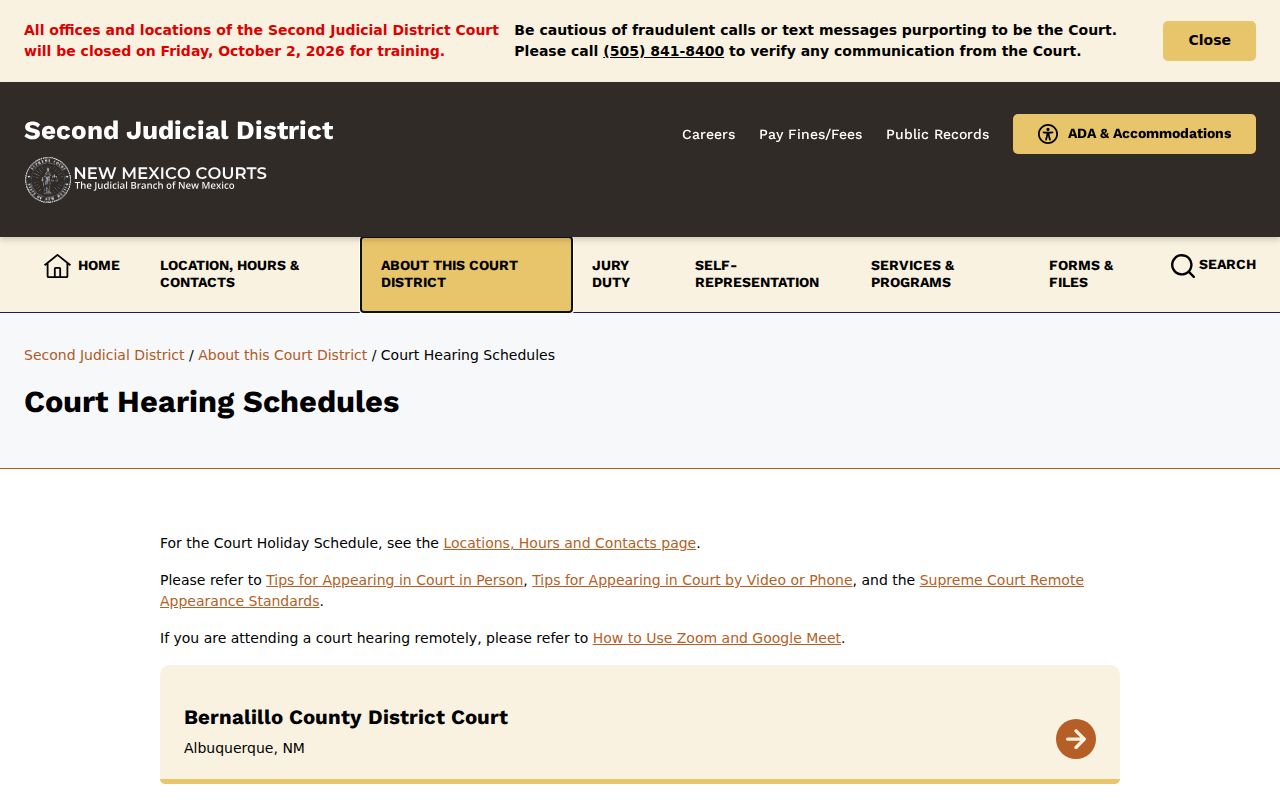
Its division-based layout is one local calendar route, not a statewide format.
How to Find a Court Date
Begin with the court and case number printed on the latest notice or citation. New Mexico Case Lookup can surface public case information. But the hearing date still needs a check against the court's own schedule and the current notice. Work these channels in order. Continue to the local court when the statewide result falls short.
- Search New Mexico Case Lookup by the available case details. It is public and does not require an account, but it is not a unified live-calendar search.
- Open the New Mexico court's online docket or hearing-schedule page, if that court publishes one. Check the division, case number, date, and event label.
- Call the clerk or division office listed by the court if the setting is unclear, missing, or recently changed. A coordinator or judicial assistant may confirm the live calendar.
- Visit the court clerk's counter to inspect the filed notice or ask about the case record. Ask whether a public terminal is available for the court's electronic records.
- Review any daily or weekly published calendar where available. New Mexico courts do not share one required calendar format, and some schedules may omit events.
- Use the New Mexico county directory to reach the local court site and clerk route for the county connected to the case.
When the date affects an appearance, compare the newest docket entry with the current calendar and confirm the details with the court. For a New Mexico court date, call again if the filed notice and posted schedule disagree.
New Mexico Fourth District Calendar
The Fourth Judicial District website describes schedules for the current day plus six days ahead. That short planning window belongs to one district. It is not a statewide promise. It does not say how far in advance a New Mexico hearing will appear. Other courts may publish different views or lean on division calendars and filed notices instead.
A future date missing from a short-range calendar is not proof. It does not mean the case has no setting. Check the court notice. Ask the clerk or coordinator for the correct schedule. The Fourth District is useful precisely because its limits are visible. New Mexico's six-day schedule shows one local window, not a rule other courts must follow.
The Fourth District's official site describes its local schedule window.
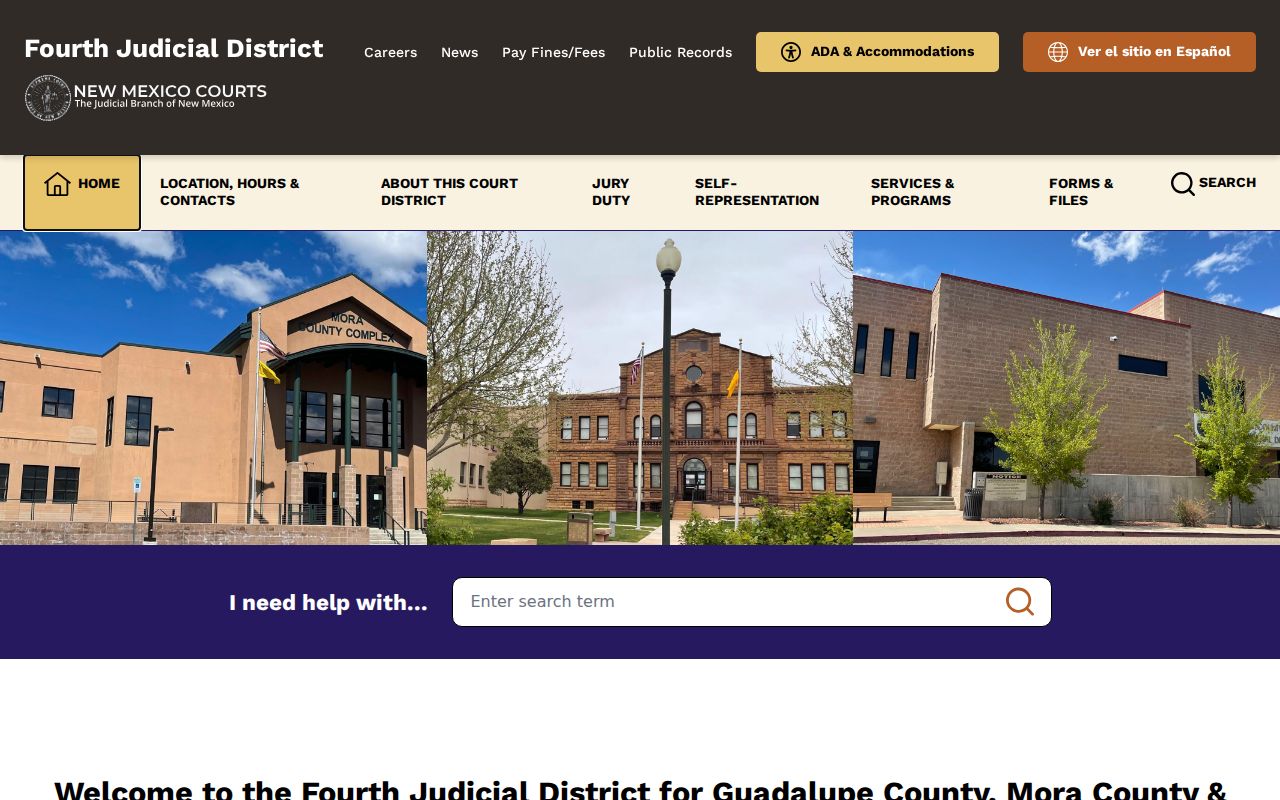
Its schedule description shows why a statewide search must be followed by a court-specific check.
Reading a Court Setting
A New Mexico calendar line tells you when and where a court event is set. But no two divisions format their schedules the same way. Start with the date and the case number. The caption can tell you what the matter is about. A label, in turn, signals the type of event. That may be an arraignment, a conference, a motion hearing, or a trial. There is no single statewide list of event labels. So expect some variation from court to court.
Some schedules list the time, courtroom, and judge. Others leave those details off entirely. When something is missing, rely on the filed notice or call the court to confirm. Schedules can also change after they are published. So treat the printed calendar as a starting point rather than the final word.
| Case Number | The court-assigned identifier that ties the event to the case register. |
|---|---|
| Setting Date | The planned hearing date; a later notice may change it. |
| Time | Shown where the schedule lists it; verify directly if missing. |
| Division / Courtroom / Judge | Local assignment details, when included in the schedule. |
| Event Type | The hearing or court activity label; wording varies across New Mexico courts. |
Note: A calendar entry rarely carries every detail you need in order to appear. Check the filed notice and the court's own instructions before you act. In New Mexico, an event label is often just a short title, so read it together with the notice rather than on its own.
New Mexico Setting Terms
Setting terms in New Mexico are plain descriptions, not a fixed codebook. A setting is simply a court event placed on the calendar. One case may pass through several settings before it wraps up. To tell a past event from an upcoming hearing, read the label. That label sits next to the matching docket entry.
- Arraignment
- A criminal proceeding where the charge is addressed and a plea may be entered.
- Pretrial conference
- A court event to address case readiness or next steps before trial; local use varies.
- Docket call
- A session used to call cases and organize readiness or scheduling.
- Continuance
- A court-approved postponement of a proceeding.
- Reset
- A setting moved to a new date; the replacement date should be confirmed.
Labels like these show up on local schedules, but they are not an official New Mexico-wide list. When a label looks unfamiliar, follow the filed notice and the court's own instructions. The clerk can explain any term that still puzzles you.
Resets, Continuances, and Cancellations
A continuance moves a scheduled proceeding to a new date. The docket may show this as a motion. It may also show an order, a reset, or a later notice. A reset means the event landed on a different day. A cancellation takes the event off the schedule entirely. Neither one can be read out of an old calendar line alone. The exact wording varies across New Mexico courts.
Before assuming anything, scan the case register for the newest notice or order. Then compare it against the court's current calendar. A hearing listed weeks ago may no longer be set. If the register and the calendar clash, call the division office or the coordinator. Ask which notice controls. The newest filed notice will always beat an old schedule saved on your phone. So will the court's live confirmation.
Confirm a New Mexico Setting
Suppose a case sits on an older schedule but has dropped off the current one. Check the register first for a later notice, continuance, reset, or order. Then confirm the case number and the court before you pick up the phone. The clerk can pull up filed notices. The coordinator or division office can often verify the live calendar. It can also confirm the details you need to appear.
Ask whether the event is still set. Ask which division will hear it, and whether the court has issued new appearance instructions. Remote-appearance rules differ from court to court in New Mexico. A link that worked for one case may not apply to yours. The statewide case search can help you find the case record before you call. Keep in mind that a case missing from the public calendar can still have a setting. The court that holds the file can confirm it.
What To Do If You Miss a Setting
Missed a New Mexico setting? Contact the court named on the notice right away. Ask what was entered after the appearance. The clerk can point to filed entries. The coordinator can walk you through the current schedule. Do not lean on a stale calendar. Do not assume a missed setting closed the case. What follows depends on the type of case and the court involved.
A missed criminal event can raise a warrant or another court-status question. Only the originating court can settle that. In a civil matter, your absence alone does not guarantee a default judgment. Look for an order and ask about the case's current status. The court named on the notice is always the place to confirm what actually happened.
If You Missed a Setting:
Call the clerk or court coordinator promptly. Ask whether a new date, order, or warrant entry appears in the case record.
For a criminal matter, confirm any failure-to-appear or warrant status directly with the court. For a civil case, check whether the judge entered an order or judgment.
Use the county directory to find the local court route, then follow the court's instructions for the next step.