
The New Mexico Statewide Case Search
New Mexico Case Lookup is the state Judiciary's free gateway to public court docket information. No account or registration is needed. The search reaches appellate, district, and magistrate courts. Bernalillo County Metropolitan Court and municipal courts are included too. Municipal coverage is thinner, and some case types carry their own access rules. Even so, a search can return plenty. You may see the court, case number, category, filing year, and any visible docket activity.
Start broad, then narrow. If you know which New Mexico court heard the matter, pick the court type and location first. Otherwise, run a party name or an exact case number. A filing-year or date filter keeps results manageable. The location and category menus shift with your choices rather than offering one fixed statewide list.
For the official docket search itself, go to the New Mexico Case Lookup public search. The portal presents its public search screen and its own entry fields.
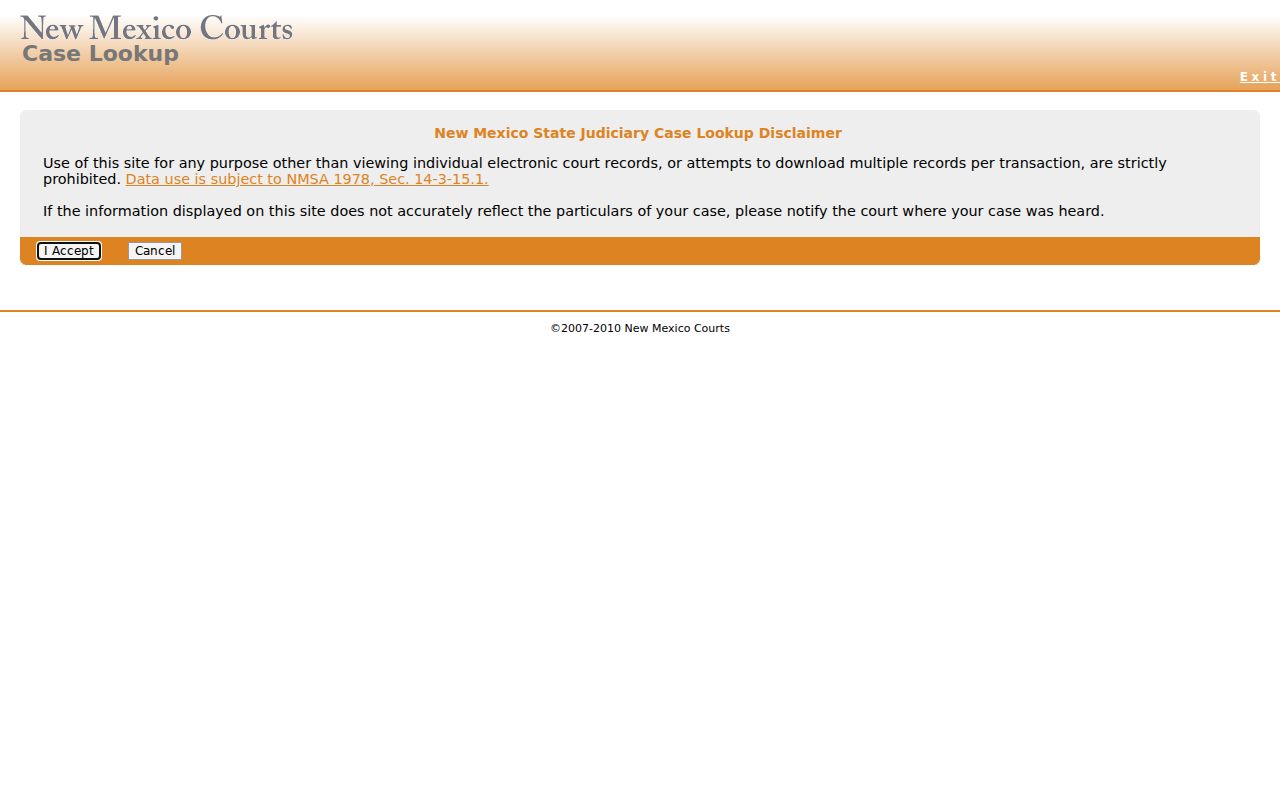
Once a match appears, write down the court and the case number. Those two details get you to the clerk who holds the actual file.
- Open New Mexico Case Lookup and select a court type and location when those fields apply.
- Enter a party name or the case number from a court notice.
- Use the case category, year, or filing-date range to narrow the displayed matches.
- Open the likely result and confirm its court, case number, and visible register details.
- For a filed paper, complete docket, or certified copy, contact the court clerk through the New Mexico county directory.
| Search field | What it does | Limit to keep in mind |
|---|---|---|
| Name fields | Last, first, and middle name fields can locate a party record. | Exact or partial-match behavior is not confirmed in the published guide. |
| Court type and location | Narrows the search to the selected court level or site. | Choices are dynamic and the full lists are not documented in static help text. |
| Case category | Filters by the court’s case category, such as CV or CR. | Categories differ by court and are not a complete event-code list. |
| Filing date and date type | Can narrow by a filing-date range; help also describes hearing-date searches. | The maximum date span and all live labels are not confirmed. |
| Case number | Accepts the court’s segmented identifier. | Preserve the printed format; patterns can differ by court and system era. |
| DWI tab and personal fields | Separate instructions describe name fields and optional date or license fields. | Use only details needed to locate a known case; result visibility remains governed by court rules. |
New Mexico Case Search Field Limits
The Court Type, Court Location, and Case Category menus are dynamic. They live inside New Mexico Case Lookup. The Judiciary's help pages do not list every live dropdown value. A court showing up in the statewide search is no promise. Not every category appears there. Municipal entries are the thinnest.
Name searches can swamp you or come back empty. When that happens, pull the court location and case category off a notice. Then compare the filing year and case number. The published help says nothing firm on wildcards or partial-name behavior. If a dropdown choice puzzles you, confirm the court and number with the clerk.
Searching by Case Number
A case number beats a common name for precision in a New Mexico case lookup. Take D-101-CV-9801525 from the First Judicial District. The D prefix means District Court. The three-digit location code marks the site. The rest of the string carries category plus year and sequence pieces. The judiciary's own material pegs 101 to Santa Fe. Treat that as one illustration, not a statewide location table.
The Second District's request form offers a criminal example, D-202-CR-2024-12345. That string is sample formatting, not a live case. Formats shift across courts and system eras. Copy the number exactly from a notice, order, or clerk communication rather than guessing missing digits.
- Keep every letter, hyphen, and digit as printed.
- Choose the court type and location that match the number’s prefix.
- Enter the complete identifier in the portal’s case-number field.
- Check the case category and filing year against the notice before using the result.
| Number part | Example | Meaning |
|---|---|---|
| Court prefix | D | Identifies District Court in the cited First District example. |
| Location code | 101 | Identifies a court location; 101 is Santa Fe in that guide. |
| Case category | CV or CR | Indicates a civil or criminal category, not an event abbreviation. |
| Year and sequence | Shown after the category | Exact formatting varies; use the complete number printed by the court. |
Note: Prefixes and segment lengths vary by court and system era. Always use the case number exactly as issued.
New Mexico Registered Case Search Has Tiers
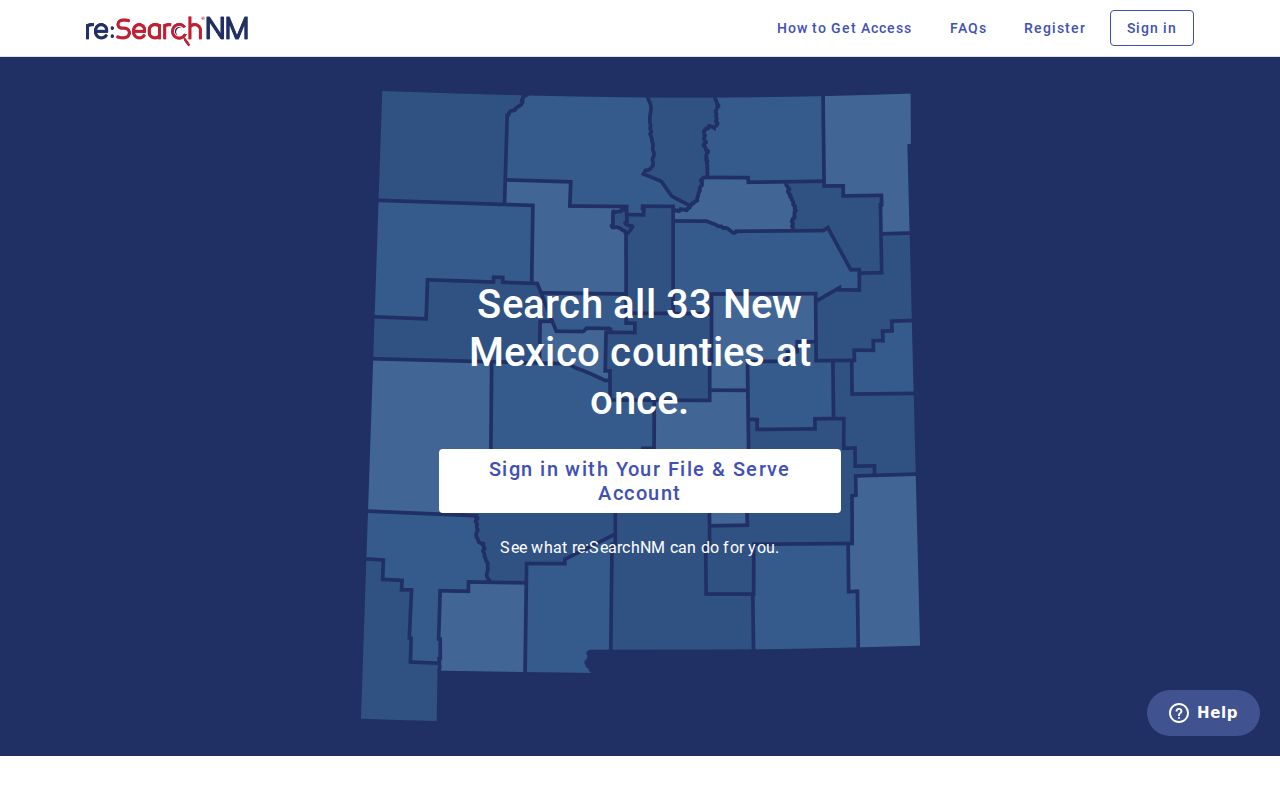
New Mexico runs two different access products. The free public Case Lookup serves general users, while registered Odyssey access serves accounts with approved profiles, and what each one shows differs sharply. re:SearchNM requires an account, and its content rides on your access tier. The judiciary guide lays out tier 1 for many civil, probate, domestic-relations, and criminal case types. Tier 2.1 adds delinquency records. Tier 2.5 covers the most restricted categories. These include abuse and neglect, adoption, and mental-health proceedings. In the published guide it goes to law enforcement alone. No tier unlocks every case. The portal's registered-user sign-in page is where qualified accounts enter.
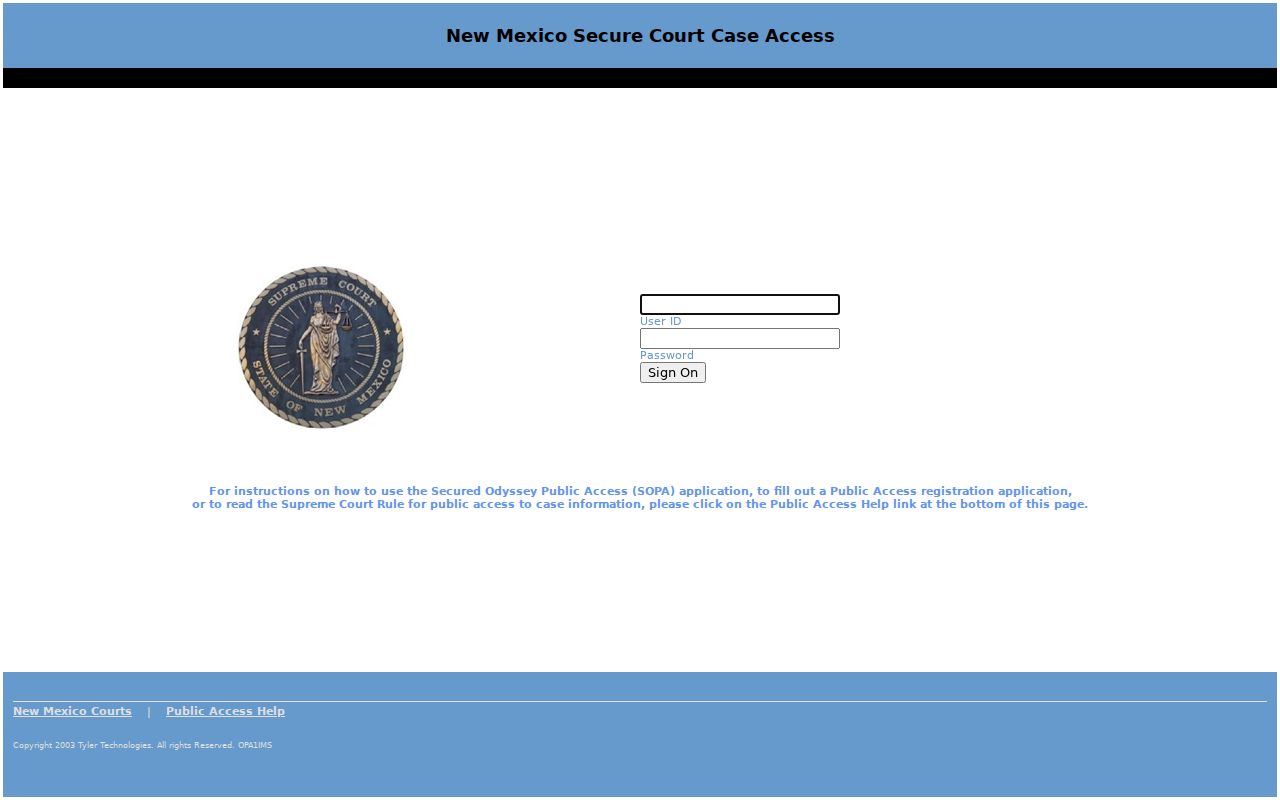
Active New Mexico users were moved off SOPA on April 7, 2023. Even so, current judiciary guidance still points people to SOPA when re:SearchNM misbehaves. Check the latest help before trusting a legacy login. The Secured Odyssey Public Access sign-in page is still cited as its own access route. Its secured login screen reflects that.
Signing up for a tier does not bend the court's sealing or confidentiality rules. Even seeing a result changes nothing there. For ordinary public case information, the free Case Lookup page is the right start.
Note: The re:SearchNM guide reports real-time updates for its own records. That timing is not confirmed for public Case Lookup.
What a Case Search Returns
A New Mexico Case Lookup result is a summary at the case level. It is never a guaranteed copy of every docket entry. It can confirm the court, the case number, category, filing date or year, status, and visible register activity. The live layout changes. Judge, attorneys, bond detail, disposition, related cases, and document links are not promised fields in the public guidance. So do not count on them.
New Mexico Rule 1-079 NMRA defines the register of actions and docket entries as court records. That definition covers a docket's case activity. But it does not force the free public interface to display the full register or the filings themselves. Treat a result as a map of what to request from the clerk next.
| Case number | The identifier assigned by the court, such as D-101-CV-9801525. |
|---|---|
| Case style and parties | Visible names and party roles may appear, subject to access and redaction limits. |
| Court and location | Shows which court or location holds the matter when that information is exposed. |
| Category and filing date | Case type and filing-year or date details help distinguish similar matters. |
| Status | A case-level status may be shown; exact labels vary by system and court. |
| Register activity | Visible case-history entries can summarize activity but may not include every filing or image. |
Note: No documented refresh schedule exists for public Case Lookup. A filing just accepted may not show up right away.
New Mexico Case Search Is an Index
A New Mexico Case Lookup result is an index entry, not a folder of papers. People expect it to open the complaint, a motion, an exhibit, or a signed order. It won't. The public portal gives case information only, with no images of filed documents. Some re:SearchNM users can reach documents, depending on their profile tier. Everyone else asks the clerk holding the file. And eFile & Serve is a filing system, not an archive to browse for old documents.
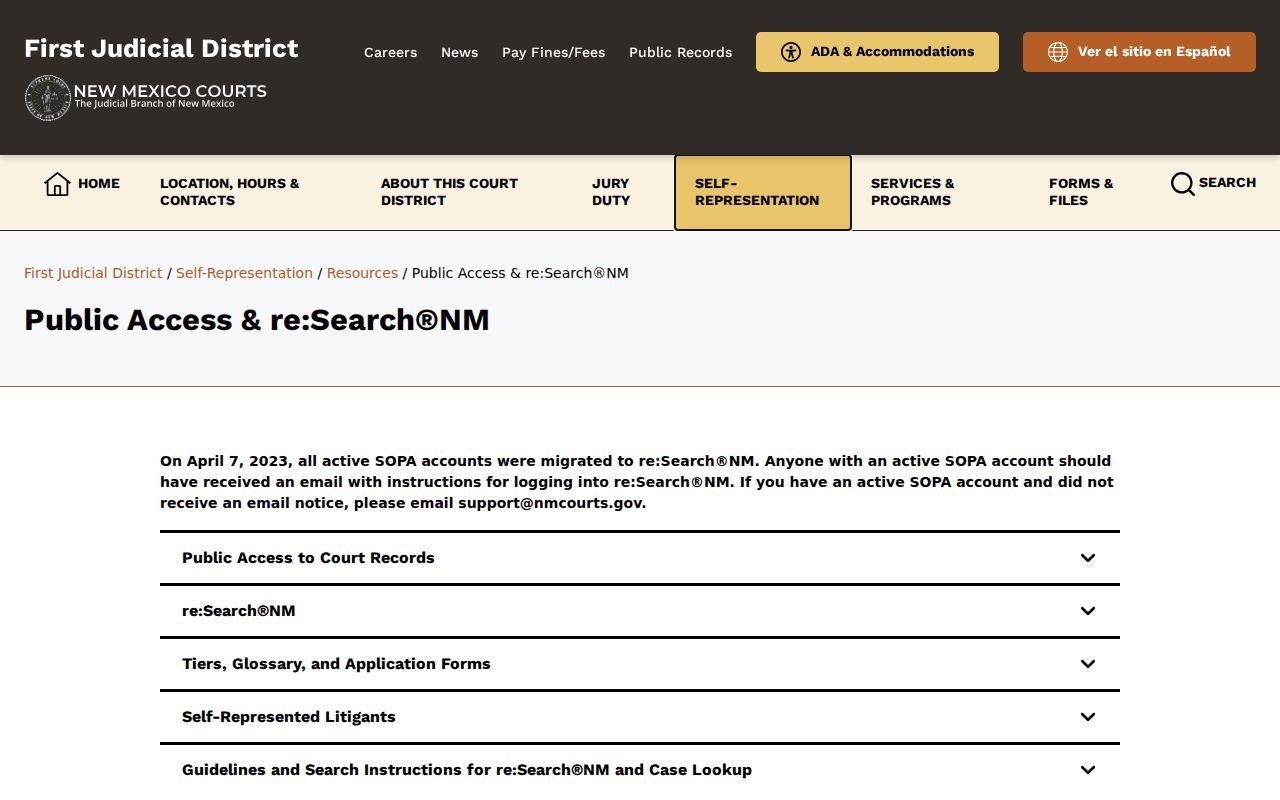
The New Mexico Judiciary's public access and re:SearchNM guide walks through the index. It also covers registration and the access tiers. The page shows where the free public search ends and the registered layer begins.
A New Mexico index result gives you a court name and a case number. It does not hand over the paperwork itself. Take those two details straight to the clerk and request the file directly. No image attached? That means nothing. Plenty of filings exist on paper without a scanned copy in the system. The New Mexico court records guide walks through copy requests and certified documents.
Statewide vs County Case Search
New Mexico Case Lookup is the widest public door into the courts it covers. It is still just an index. The county clerk keeps the actual case file. The clerk also corrects docket errors and issues certified copies of anything filed. A statewide entry can run shorter than the court's own register of actions. Local court sites sometimes post calendars or request forms that never appear in the central search at all.
Once you know which court took the filing, open the New Mexico county directory. From there, jump to that county's court resources and clerk contacts. This hub points you down the local road. It does not stand in for the official court file itself.
| Feature | Statewide Portal | County Court Site |
|---|---|---|
| Purpose | Free public case-information index across named court types. | Local court pages and clerk channels for records held by that court. |
| Docket detail | Case summary and visible register activity; completeness varies. | Clerk-held register is the source for the full official case history. |
| Filed documents | Not supplied through general public Case Lookup. | Inspect or request from the clerk, or use authorized registered access when available. |
| Certified copies | Not issued by the public search portal. | Request from the clerk that holds the document. |
New Mexico Case Search vs E-Filing
eFile & Serve is New Mexico Courts' system for attorneys and other authorized filers. They use it to submit documents and service. It is not a free public search page, and the two get confused constantly. An upload receipt only proves you sent something. It does not prove the clerk accepted the filing or made it public. Accepted filings still pass through access, redaction, and publication rules.
The rules behind it are about filing, not search coverage. Civil e-filing is mandatory at the Supreme Court, Court of Appeals, District Courts, Magistrate Courts, and Bernalillo County Metropolitan Court, with exceptions. District criminal subsequent filings came under mandatory e-filing in 2019. Attorney e-filing became required in Magistrate Court and Metro in October 2024.
For authorized filers, the New Mexico eFile & Serve portal is the official way in. Everyone else should stick with Case Lookup for public case information. Touch eFile & Serve only for an actual filing or service task.
If New Mexico Case Search Finds Nothing
A blank result is not the end of the search. Before giving up, check the spelling of the name, the case number, the court, the case type, and the filing year you typed in. Age matters too. Cases filed before 1997 may sit outside the electronic index. Some matters never appear in it at all: municipal court categories can be excluded, while juvenile, protection-order, and sealed files are withheld under confidentiality rules. Public Case Lookup itself notes two cutoffs. It says juvenile criminal dockets stopped displaying in 2007. Family Violence Protection Act protection-order entries stopped displaying in 2008.
When the screen stays empty, call the clerk of the court where the case was filed. The clerk can confirm the case number. The clerk can also explain how you are allowed to access the record. For pre-1997 material, the New Mexico Judiciary sends people to a separate records request, since older paper and archived files may need to be pulled locally. Records that simply are not online go through the Judiciary IPRA form. There, you select the court custodian. The county directory hands you off to the right local court contacts.
Access and Restricted Cases
New Mexico keeps its court records open by rule. Exceptions are carved out case by case. Rule 1-079 NMRA builds the public-access framework, and treats the register and docket entries as records. It also spells out how sealing and redaction work. Whole categories sit apart from that openness. Juvenile cases, abuse-and-neglect matters, adoptions, and some mental-health proceedings follow their own confidentiality rules. So do certain other protected cases. If a docket search comes back empty, do not assume the case was wiped away. A missing result proves nothing one way or the other.
Start with the state's official law and court guidance to learn the route. Then take the specific case to the clerk who holds the file. No access profile can override a seal or a confidentiality rule, whatever a website promises.
New Mexico access rules:
Rule 1-079 NMRA defines court records, public inspection, protected identifiers, and sealing. Its 2025 approved text applies to cases pending or filed on or after December 31, 2025.
New Mexico Children’s Code provisions protect juvenile and abuse-and-neglect material under NMSA 1978 §§32A-2-32 and 32A-4-33.
New Mexico IPRA, NMSA 1978 §§14-2-1 et seq., provides a request route for public records subject to exceptions; court access rules and orders still apply.