
How to Search New Mexico Civil Dockets
New Mexico Case Lookup gives the public free case information with no registration. Appellate, District, Magistrate, Metropolitan, and Municipal courts all appear in its menus. There are limits, though. The portal does not show filed document images, and Municipal Court coverage is thin. Treat a public result as a pointer. It marks a case and its court, not the full civil file or a certified record.
Search by party caption, court location, case category, filing year, or case number. Use whichever you have. The dropdown options shift from screen to screen. The portal publishes no fixed category list. Before relying on any hit, confirm the court and the filing year. The New Mexico statewide case search page explains the layers. It shows how public and registered access differ.
| Search field | Type | Required | Civil use |
|---|---|---|---|
| Name: last, first, middle | Text | Not specified | Use the caption; parties may be plaintiff, petitioner, defendant, or respondent. |
| Court type and location | Dropdowns | Not specified | Choose the court identified on a notice or filing. |
| Case category | Dropdown | Not specified | CV is a New Mexico civil example; categories vary by court and case. |
| Case number | Segmented text | Not specified | Enter the court-issued number in its full format. |
| Filing date or year | Date or text | Not specified | Pre-1997 records require a separate Judiciary request. |
| Date type | Selector | Not specified | Guidance describes filing-date or hearing-date searches; verify live labels. |
| Party DOB or license data | Date, text, or dropdown | Not specified | Legacy help lists these fields; they are not needed in every civil search. |
The New Mexico Case Lookup search screen is the public starting point shown here.
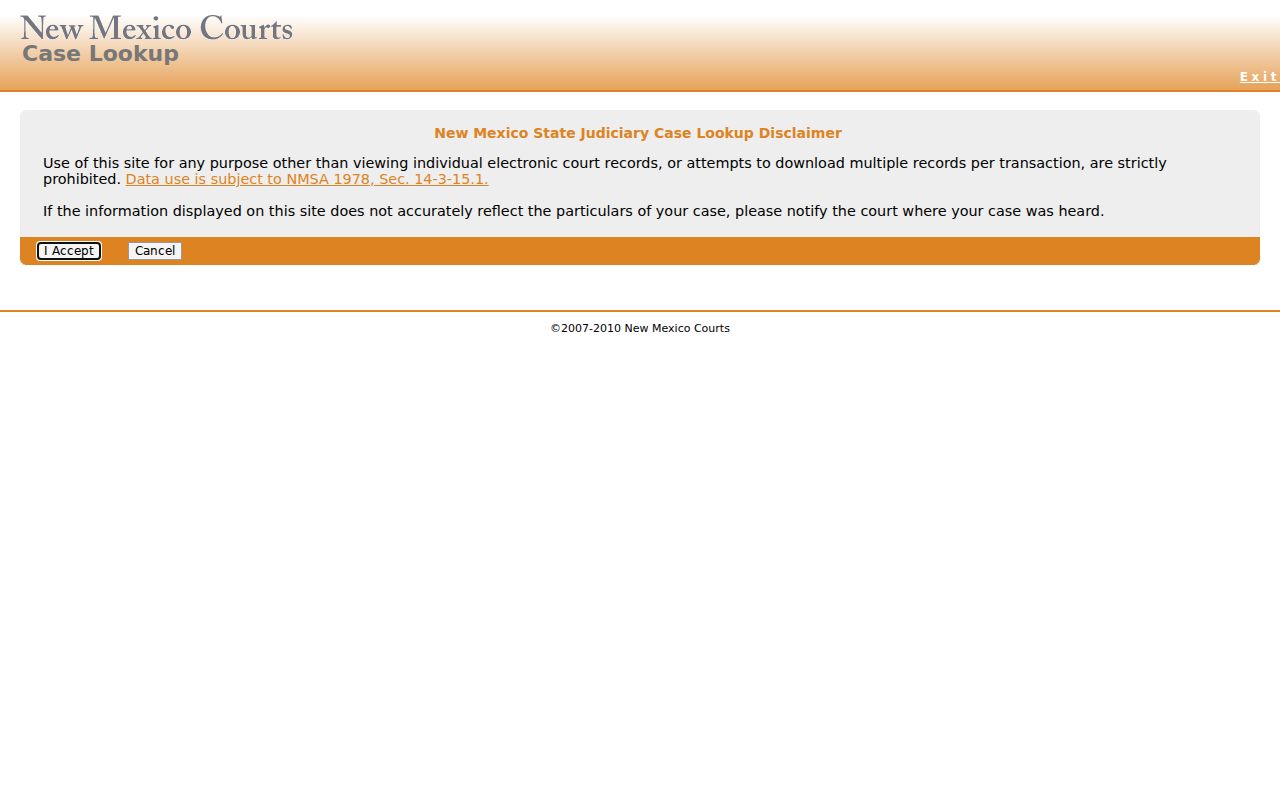
The search form itself is blank. Filling in a New Mexico civil docket means choosing a court, a category, and a year before any results appear. The empty form does not show how live result rows will look, so do not read a layout into it.
- Confirm the court type and location from the filed notice or case number.
- Search by the complete number or party name, then narrow with the available category and date fields.
- Open the result and check its New Mexico case category, filing year, status, and register chronology.
- Use the current court calendar to confirm a hearing rather than relying on an old notice alone.
- For papers or a certified judgment, follow the New Mexico county directory to the clerk of the court that holds the file.
Where New Mexico Civil Dockets Begin
Which New Mexico civil docket do you need? It turns on the claim, the amount sought, and whether a special court has jurisdiction. District Court takes general civil matters plus exclusive domestic-relations and juvenile cases. Magistrate Court and Metropolitan Court hold limited civil jurisdiction. Probate Court handles informal, uncontested estate administration. Any contested matter moves up to District Court. Municipal Courts keep no general civil docket at all. Wherever jurisdiction sits, that court holds the underlying case file.
| Civil matter | Typical court | Jurisdiction point | Clerk |
|---|---|---|---|
| New Mexico general contract, tort, property, or higher-value civil claim | District Court | General jurisdiction; some matters are reserved or excluded from lower courts. | District Court Clerk |
| Smaller money claim, contract, or tort | Magistrate or Metropolitan Court | Magistrate civil claim limit is $10,000, exclusive of interest and costs, under NMSA 1978 Section 35-3-3; listed exclusions apply. | Magistrate or Metropolitan Court Clerk |
| Informal, uncontested estate | Probate Court | Probate route; local assignment of clerk functions can vary. | Probate clerk or County Clerk as assigned |
| Contested estate | District Court | Contested issues proceed in the general-jurisdiction court. | District Court Clerk |
The $10,000 limit is not a simple cutoff. Not every dispute that small belongs in Magistrate Court. The law carves out matters such as title to land and domestic relations. A case label can also mean something narrower than everyday use of the word civil. Check the court printed on the case paper. Then use the directory to reach that court's docket and clerk, rather than choosing by dollar amount alone.
What a Civil Docket Shows
New Mexico Rule 1-079 counts the register of actions and docket entries as court records. A public case view shows the basics. You get the case number, category, court, status, parties, and recorded activity. The live Case Lookup layout, though, is dynamic. The Judiciary publishes no complete sample civil docket and no universal field list. So treat these descriptions as the expected case information. They are not a promise of exactly what appears on screen in a New Mexico civil docket.
| Case number | A court-assigned identifier. One District Court example is D-101-CV-9801525; court and era affect the exact format. |
|---|---|
| Parties and caption | Names and roles may identify plaintiff, petitioner, defendant, or respondent, subject to visibility and case type. |
| Register entries | The chronology can record a filing, notice, motion, order, hearing, judgment, or other case event. |
| Settings | Notice and calendar details may include a date or event, but labels, time, judge, and room are not guaranteed fields. |
| Result | A dismissal, judgment, or other disposition may appear; confirm terms and date in the signed order. |
A register line tells you an event was recorded. It does not hand you the complaint, response, exhibit, or order itself. Nor should you assume the public view carries a statewide electronic balance or an amount-in-controversy field. Want a particular document? Note its title and filing date, then ask the clerk for the case paper. A field may be missing from the public view. That alone does not mean the court never recorded it.
Note: No public anonymous civil sample was available to confirm exact party, attorney, judge, balance, or document-link fields.
Read a New Mexico Civil Case Number
Take the New Mexico example D-101-CV-9801525, which appears in First District clerk guidance. Here is how the pieces line up. The first letter marks District Court. The next three digits, 101, are a location code. The category and the remaining year or sequence digits fill out the rest of the identifier. Exact segmentation shifts by court and by system era, so copy a New Mexico civil case number from the court's own notice instead of rebuilding it from a pattern.
- D
- The cited example uses this prefix for District Court. Other court types can use other formats.
- CV
- A civil case-category example, not a code for a hearing or a result.
- Location code
- A number within the identifier helps identify the court location; the example is not a full court directory.
- Year and sequence
- The remaining digits distinguish the filing period and case. Keep leading zeros and separators as printed.
The category helps you route a docket search. It will not tell you whether the matter is contract, tort, property, or another civil type. Several results may share a name. The party caption and the court shown on the papers are the checks that sort them out. New Mexico publishes no complete public list of every category option in the dynamic search menu. Expect some trial and error.
Types of Civil Cases on the Docket
Every civil docket in New Mexico starts with a claim family. Each family has its own court route. General contract, tort, and property cases belong to District Court. That court also takes domestic-relations and juvenile matters assigned there. Magistrate and Metropolitan Court take civil claims of limited size. Probate Court opens the door for informal, uncontested estates. A contested probate issue, though, ends up in District Court.
Small claims are not just shorthand for every lower-court civil case. Jurisdiction rules and any statutory exclusion control where a case belongs. The filed papers and the relief requested matter too. A caption on a petition or complaint may not match the dispute. A searcher would call it something else. Search the case category and court printed on the source paper. Then review the New Mexico register before deciding which clerk holds the filing.
Municipal Courts handle ordinance and petty-misdemeanor matters, not a general civil docket. A civil issue tied to a city event does not become a municipal civil case just because of where it happened. It still belongs to the court with jurisdiction over that claim type. Use the listed court and case number. If a local record is missing, route the question through the county directory. That court's own clerk can then sort it out.
Note: The case category is a court-system label, so it may not capture every legal issue named in a complaint or petition.
New Mexico Civil Probate Dockets
Probate shows why the first court record and the final court route can differ. An informal, uncontested estate starts in Probate Court. If the matter turns contested, the disputed New Mexico proceeding moves to District Court. The earlier probate file may still hold its own notices and filings. So search the court named on the current paper. Ask its clerk whether a related proceeding carries a separate number.
Clerk duties for probate records depend on local structure. So "County Clerk" is not a safe statewide label for every court file. District Court Clerks keep the records for contested probate cases. A probate clerk or an assigned County Clerk handles the informal route. The New Mexico Courts district finder can pinpoint the judicial district and court location. Local clerk contacts and request options sit with the court itself.
This split can make an online search feel incomplete. That happens when a filer tracks only the original estate number or only the later District Court matter. Follow the caption, case number, and court shown on the latest notice. If a register hints at a contest or transfer, ask the originating clerk. That clerk knows which public docket and case file hold the document you need.
Settings and Hearings on Civil Dockets
A New Mexico civil docket can carry many kinds of entries. Scheduling orders, status conferences, motion hearings, pretrial conferences, trial settings, continuances, and notices of new dates all appear. These labels are local descriptions rather than a fixed statewide list. One caution matters most. A register entry can show that a notice was filed. It may not confirm the hearing is still on calendar. Read the latest order and compare it against the current court schedule. The Second Judicial District's docket page offers one example. It shows division-specific calendars maintained by a local court.
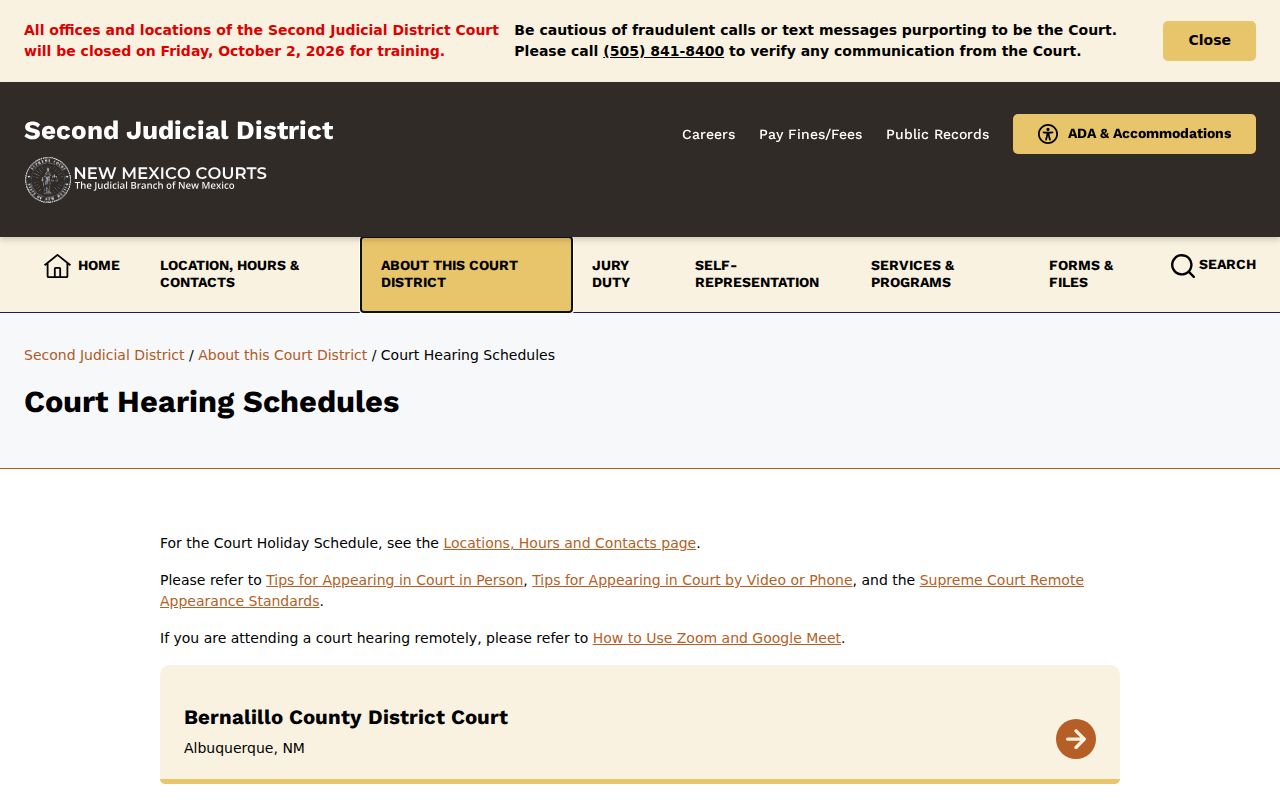
When a setting has been reset, work from the newest filed notice. Check the court's current schedule too. If the time is unclear, call the court's coordinator or judicial assistant. The same call settles the appearance method. The clerk can supply a copy of the filed notice. Keep in mind that remote appearance links, courtroom details, and calendar updates vary. They differ from court to court across New Mexico.
Note: A calendar listing is a snapshot; verify a consequential civil hearing with the court that set it.
New Mexico Case Search vs Pleading
A New Mexico Case Lookup result is an index entry, not the pleading behind it. The docket may list a complaint, an answer, a motion, or an order. Yet the document image stays with the court. Registered users of re:SearchNM can view Odyssey documents when their profile allows it. When that service has trouble, New Mexico Judiciary help points to the secured SOPA service. Attorneys and authorized filers submit through eFile & Serve, which is a filing tool rather than a public docket search. No account tier overrides a sealed-record order or any other access rule.
When a public file exists, ask the clerk for inspection or a copy. That request can go in person, by phone, email, web form, or mail, following that court's process. Inspection terminals and delivery options differ from one location to the next. The Twelfth District request form is a useful model. It asks for party names, case number, filing year and type, document title and date, and the format wanted. That format may be copy, certified, exemplified, or email. The form quotes no turnaround time. It also requires no ID in its instructions.
Plain copies run 35 cents per page. Certification adds $1.50 per document, and exemplification adds $4.50 per document, per the posted court schedules. Treat those figures as representative. Local charges for media, postage, searches, older files, or delivery can differ. A certified New Mexico judgment comes from the clerk who holds the signed paper. The statewide search result cannot supply that.
For a court record with no online copy, the Judiciary IPRA form sends the request to the right court location and custodian. Describe the records sought with reasonable particularity and include the contact details the form requires. General IPRA guidance promises a status response within three business days when inspection cannot occur. A full response comes no later than 15 calendar days. Court-record access rules and local request practices still apply on top of that timeline.
New Mexico Civil Settings After a Reset
A reset changes everything about a New Mexico civil setting. Start with the newest filed notice or order. Hunt there for a later date or a changed event. An older calendar entry proves nothing about whether a setting still stands. When the register shows a continuance, a reset, or a hearing notice, check its filing date. Compare that date against the current local court calendar.
Reading the last filed order beside the current local calendar is the habit that works. If the two disagree, contact the court directly.
This confirmation chain matters. Local calendars differ in what they display. They also differ in how often entries post, and whether a room, judge, remote link, or appearance method appears. A calendar snapshot is not an order. Do not assume a statewide search filters every setting either. If the case sits outside District Court, call the clerk named on the papers. That may be the Magistrate, Metropolitan, or Probate clerk.
Note: New Mexico courts offer no single statewide civil-calendar search interface or uniform reset procedure; each court handles its own calendar and reset notices.
Public Access to Civil Dockets
New Mexico court records are open by default. A rule, statute, or order can limit access. Family, juvenile, abuse-or-neglect, adoption, and mental-health cases carry stronger confidentiality protections. A public register may also mask protected identifiers. So an online result can show less than the court-held file. Check the case type and any access order rather than assuming a civil docket is fully public or fully hidden.
Access rules:
Rule 1-079 NMRA includes the register of actions and docket entries in “court records,” sets the public-access presumption, addresses sealing, and requires masking protected identifiers. The approved 2025 text states an effective date for cases pending or filed on or after December 31, 2025; check the rule version for an older matter.
New Mexico IPRA, NMSA 1978 Sections 14-2-1, 14-2-8, and 14-2-9, governs inspection of public-body records subject to exceptions. Court records also follow judicial access rules and case-specific orders.
Children's Code Sections 32A-2-32 and 32A-4-33 protect juvenile and abuse-or-neglect material. Ask the court holding a restricted record which access route applies to an authorized party.
Missing case? Check the spelling, court, category, and filing year first, then call the clerk. The public Case Lookup leaves out Family Violence Protection Act order-of-protection entries effective July 1, 2008. Plenty of domestic-relations cases remain public, though. An account cannot unlock a confidential case, and the clerk cannot override a sealing order. Use the New Mexico county directory to reach the filing court's local record and calendar contacts. For any New Mexico civil case, the clerk can help. The clerk can tell you whether a missing document sits in the file or whether a rule limits access.
Note: A confidential case category or court order may change what appears online without changing which clerk holds the underlying file.